My current roadmap
| # | Item | Details |
|---|---|---|
| 01 | Full monitoring of the solution | Model usage (requests, tokens), server consumption, evaluation of the model(s)' capabilities |
| 02 | Routing between models | to route less demanding tasks/workflows to more suitable models. |
| 03 | Customising Open WebUI | Changes to the interface and small added features that match my specific uses |
| 04 | A system to ingest my documents, and a RAG system | so the models can answer from my own notes and files. |
This project is part of a broader project: building a second brain with many features. (i.e.: an AI able to interact with the food in my fridge (through an app such as Grocy) and with a set of meals for the week made of recipes I like, to suggest a shopping list)
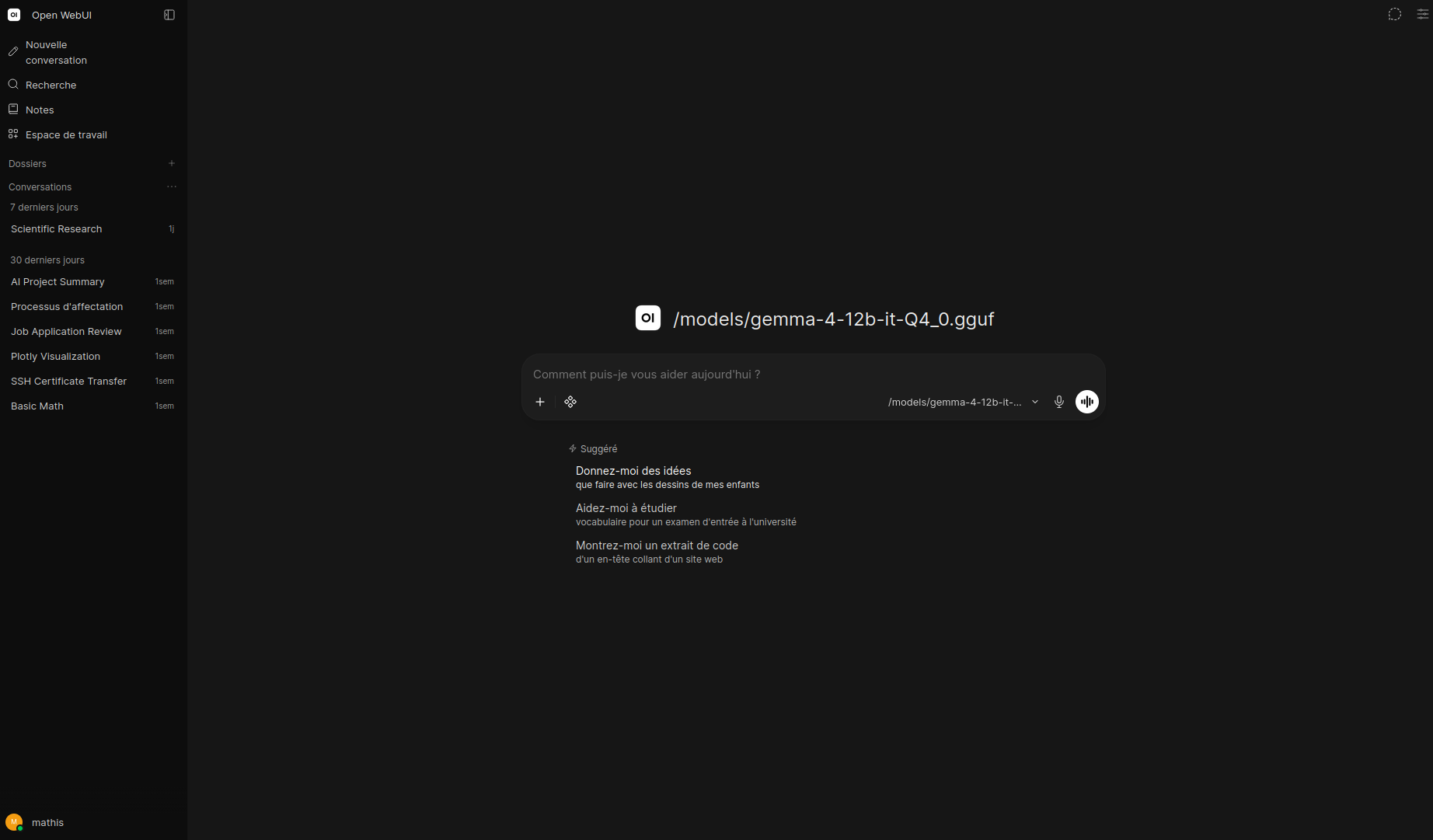
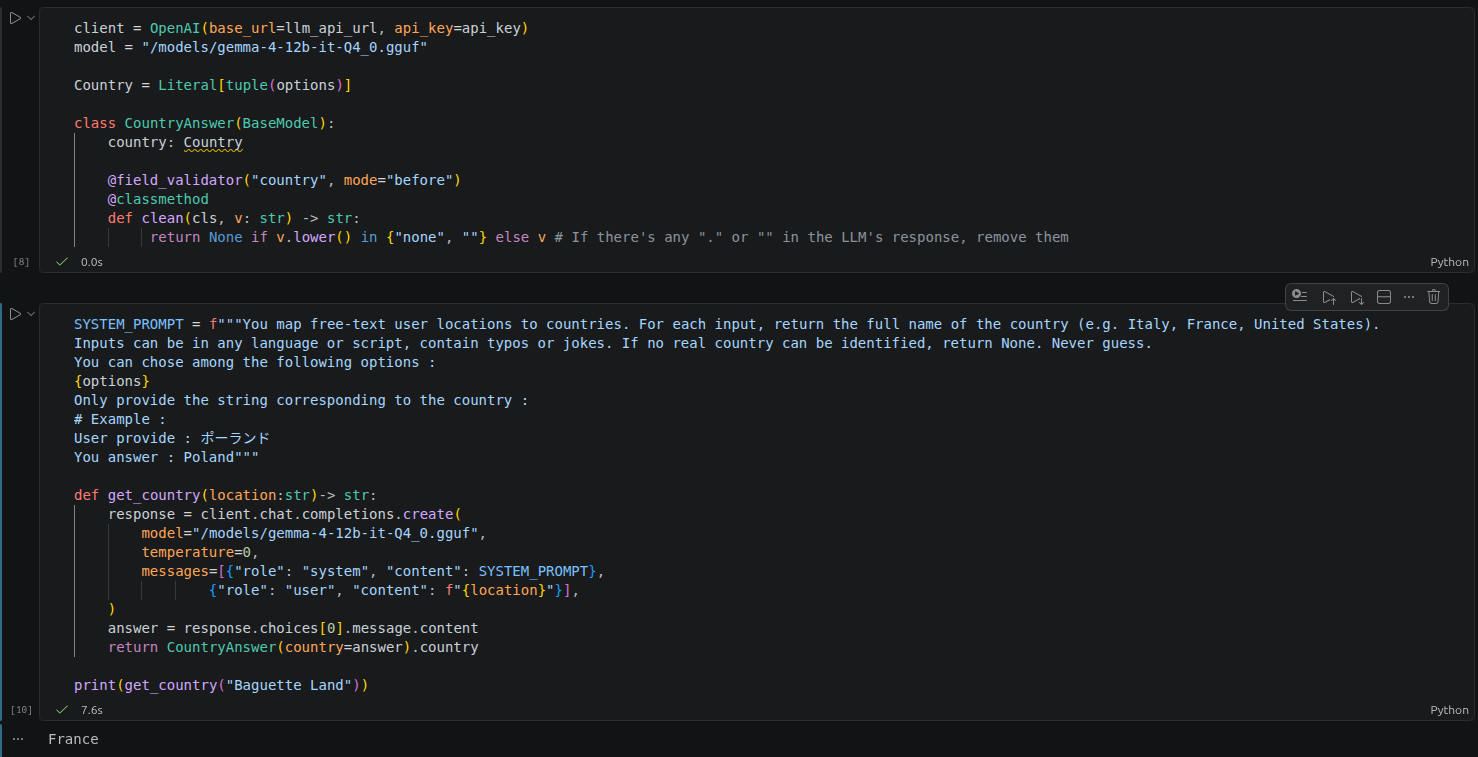
What it looks like in use
The machine behind it
For this, I currently use a computer (whose parts were, luckily, bought a few months before the current AI-driven computer hardware crisis) with the following configuration:
- RTX 4070 (12 GB VRAM)
- 32 GB of RAM
- Ryzen 9 7900 Wraith Prism (12 cores, up to 5.4 GHz)
While I can't run models with the capabilities of Opus 5.5 or Fable 5.2 (or even the most advanced open-source models), it is a good start for serving models with a few billion parameters.
I currently serve a 12-billion-parameter model (Gemma 4) on the GPU (the model is quantised so that it fits on the GPU alone). It is a multilingual model that can handle function calling (essential for a prototype of the system I want to build for myself in the future) and analyse videos and images (multimodal inputs).
On top of this model, I serve Qwen 3.5 2B and 4B (on both CPU and GPU), a STEM fine-tuned Qwen 3.5 9B (on GPU) and Phi-4 mini (on CPU).
Why llama.cpp
The choice of llama.cpp comes from technical restrictions of the machine: it runs quantised GGUF models and can split a model between GPU memory and system memory, so models that would not fit otherwise still run.
Why llama-swap?
llama-swap is a solution that handles hot-swapping on a single machine, making it possible to serve different LLMs on limited hardware (which, in my case, is extremely useful).
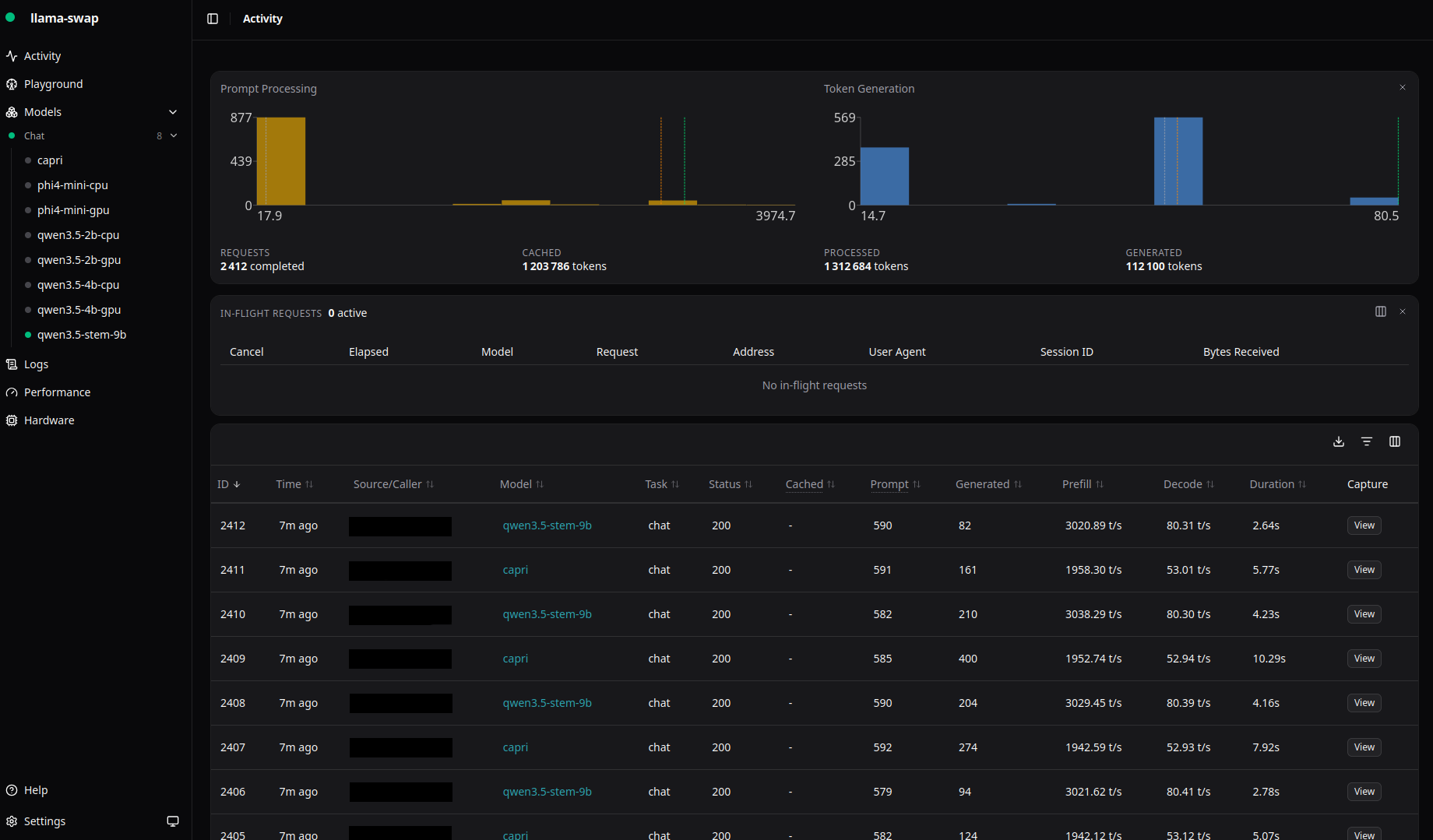
It also allows advanced monitoring capabilities (logs, hardware utilization and characteristics graphs) as well as model evaluation capabilities on prompts.
I can also load and unload models manually from the llama-swap interface.
Why local LLMs?
My main concern in this project is data governance and control (access control, control over energy consumption...), which is in every way incompatible with using Claude and APIs (giving Claude access to my whole project so it writes my docstrings? Yes! But I don't want it to know how many portions of bolognese I make in a week).
More broadly, I care a lot about the privacy of the data I want to provide while building this project.
Likewise, renting cloud infrastructure to host the whole thing raises the same problem, and adds the problem of cost (whether for a server or simply the cost of running a model).
A fully local solution sacrifices a lot of raw performance (especially in its current version), but it guarantees me sovereignty, privacy and, above all, a lot of independence from the policies and prices of the giants of these companies. One example is the restriction Claude places on requests about bioinformatics tasks, which requires going through a verification programme. (Which is very important, especially given all the risks that come with open access to these tasks, but is not nuanced enough)
Current organization
Currently there are two query routes. Both are behind a whitelist only for a subset of machines on my private VPN:
You can either directly query the inference server via the API provided by llama.cpp (via llama-swap) or use the Open WebUI chats (which query the inference server using the same API).
My current goal is to unify these 2 query routes in one entry point (for better control on the access and better monitoring as well).
The inference server is currently woken up by my main server via Wake on Wireless LAN (due to the location of the inference server, aka my bedroom, I don't have access to LAN/ethernet cable and unfortunately will have to rely on that solution for the time being).